Key takeaways
- A virtual assistant supports clients remotely with admin tasks.
- Daily work includes inbox, calendar, research, documents and tracking tasks.
- Many virtual assistants are self-employed and work with several clients.
- Reliability, clear writing and careful checking matter most.
- You can practise every core task with a small project before you take a client.
A virtual assistant, often called a VA, does the behind-the-scenes work that keeps a person or a small business running, and does it remotely. This guide explains what a VA actually does in a normal day, the skills involved and how to practise them before you take on a client.
What is a virtual assistant?
A virtual assistant is usually a self-employed professional who supports clients from a distance, often from a home office. Because most are independent, the client does not provide a workspace or equipment. VAs work with small businesses, and some support busy executives. They communicate by email, phone or video calls and online collaboration tools. Arrangements are often by contract and can run for a long time.
The tasks range from secretarial work to website editing, social media help, customer service, data entry and bookkeeping support.
What does a virtual assistant do in a day?
No two days are identical, but the work usually falls into a few groups.
| Area | Typical tasks |
|---|---|
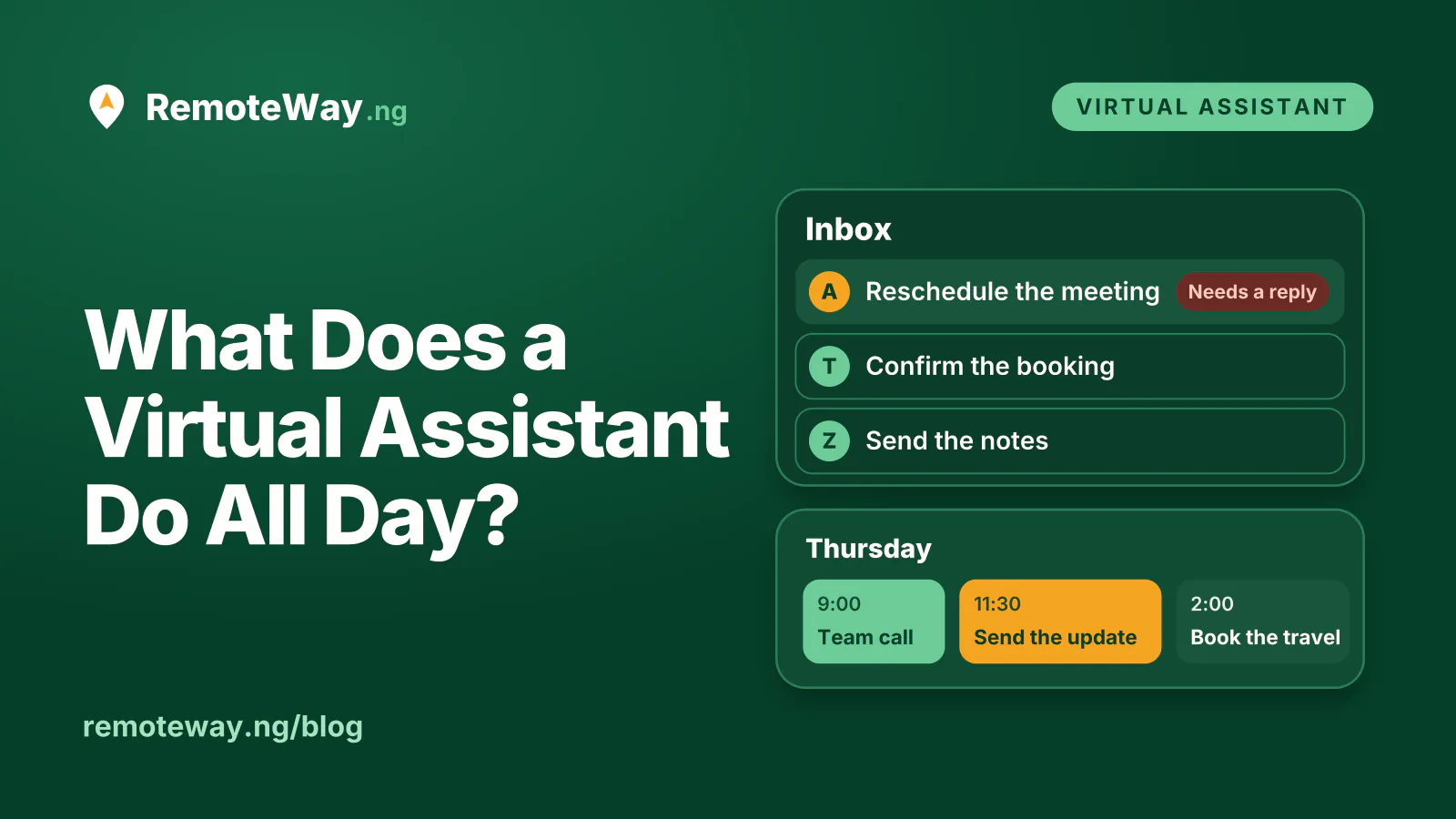
| Inbox | Sort messages, apply labels and filters, draft replies, flag what needs the client |
| Calendar | Book meetings across time zones, send reminders, prevent clashes |
| Research | Find information, check sources, write a one-page summary |
| Documents | Prepare, format and proofread documents and forms |
| Data | Enter and check records, update spreadsheets |
| Tracking | Keep a task board, follow up on deadlines, send a weekly report |
An example morning
A VA starts by checking the client's inbox. Messages are sorted with labels such as "Urgent", "To reply" and "Waiting". Gmail labels are private, so the people emailing never see them, which makes them a tidy way to organise. Next the VA reviews the calendar, confirms a call for later in the week and writes the time in both the client's zone and Nigerian time. Then comes a research task and a short written update to the client.
Calendars across time zones
Many clients are in other countries. Google Calendar shows each event in the viewer's local time, lets you add a second time zone beside your own and lets each event have its own time zone. Booking correctly across zones is a core VA skill.
What skills does a VA need?
- Organisation. Keep clear lists, deadlines and folders.
- Clear writing. Short, polite messages that say what you did and what you need.
- Careful checking. Reread before you send. Check dates, names and numbers.
- Time management. Estimate honestly and say early if you are behind.
- Tool skills. Email, calendar, spreadsheets, shared documents, chat and a task board.
- Confidentiality. Protect client information, use strong passwords and two-step sign-in.
See our guides to the tools remote teams use and virtual assistant tools to learn first.
How do you practise without a client?
Build a small set of practice pieces, with made-up data:
- Sort a sample inbox into labels and write five reply templates.
- Plan a week of meetings across two time zones with no clashes.
- Research a topic and write a one-page brief with sources.
- Build a simple task tracker with deadlines and owners.
- Write a weekly report that a client could read in one minute.
These show how you think and work. They also give you real points for your CV.
What are the risks?
Because VA work is flexible, scammers use it as bait. The US consumer protection agency warns about virtual assistant listings that involve depositing cheques and forwarding money. A real client does not ask you to move money for them or pay to start. Read how to spot a fake remote job offer.
How can you learn it properly?
RemoteWay's Virtual Assistant program covers set-up, inbox and calendar care, documents and research, project tools, AI and automation, working with clients, and a final capstone. It is self-paced, with comprehensive training videos created by top experts in their fields. We teach skills and do not promise jobs or income. See the Virtual Assistant program, and start with what remote work is if you are new to the idea.
Frequently asked questions
What is a virtual assistant?
A virtual assistant is a remote professional who helps a person or business with administrative work. Typical tasks include managing email and calendars, booking meetings, researching, preparing documents, entering data and tracking tasks. Most work from home, communicate by email, chat and video, and are often self-employed, with arrangements that can be ongoing.
What skills does a virtual assistant need?
The core skills are organisation, clear written communication, careful checking, time management and basic skill with common tools such as email, calendars, spreadsheets and shared documents. Reliability matters most. A client needs to know that a task will be done properly and on time, and that you will say early if something goes wrong.
Do virtual assistants work for one client or many?
Both happen. Many virtual assistants are self-employed and serve several clients, often small businesses or busy professionals, and arrangements are commonly contract based. Others work for one organisation in a remote role. Read each offer carefully so you know the hours, tasks, reporting and how and when you are paid.
How can I practise virtual assistant tasks without a client?
Create a small project of your own. Sort a sample inbox with labels, plan a week of meetings across two time zones, research a topic and write a one-page brief, and build a simple task tracker. Use made-up data. These practice pieces show how you work and give you something to describe in a CV.
Sources
Ready to learn this properly?
Creating an account costs nothing. Every program is self-paced, with comprehensive training videos created by top experts in their fields. We teach skills. We don't promise jobs or income.
Keep reading
Virtual Assistant Tools to Learn First
The starter toolkit for a new virtual assistant: email labels, calendars and time zones, chat, shared documents, a password manager and a tidy folder system.
What Is Remote Work? A Plain Guide for Nigerians
What remote work means, how it differs from hybrid and freelance work, and what you need to start in Nigeria: a plain guide with the words you will meet.
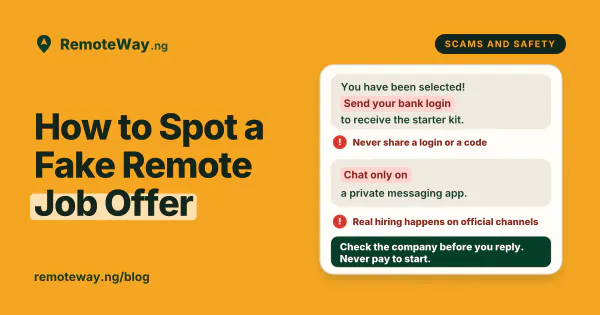
How to Spot a Fake Remote Job Offer
Learn the warning signs of a fake remote job offer, the checks to run before you reply, and what to do if you have already paid or shared your details.