Key takeaways
- Keep your CV to one or two pages that are easy to scan.
- Start each point with an action verb and say what you did and what happened.
- Practice projects count when you have no job history, so describe them clearly.
- Tailor the CV to each role using the words in the job description.
- Proofread carefully, and keep sensitive details off your CV.
Your CV has one job: to convince a busy person, in under a minute, that you can do the work. For remote roles it must also show that you communicate clearly in writing. This guide walks you through a CV step by step, including what to write when you have no job history yet.
What is the best format for a remote CV?
Keep it simple. A clean layout is easier to read and works better with the software many employers use to scan applications.
- Length: one page, or two at most. Keep a longer master copy for yourself.
- Font and space: a plain, readable font at a normal size, with clear headings and white space.
- Order: most relevant information first. Experience is listed with the newest first.
- Avoid tables, columns, graphics and unusual symbols, which can confuse scanning software.
- File: save as a PDF unless the employer asks for another format, and name it clearly, such as "Ada-Okafor-CV.pdf".
What sections should it have?
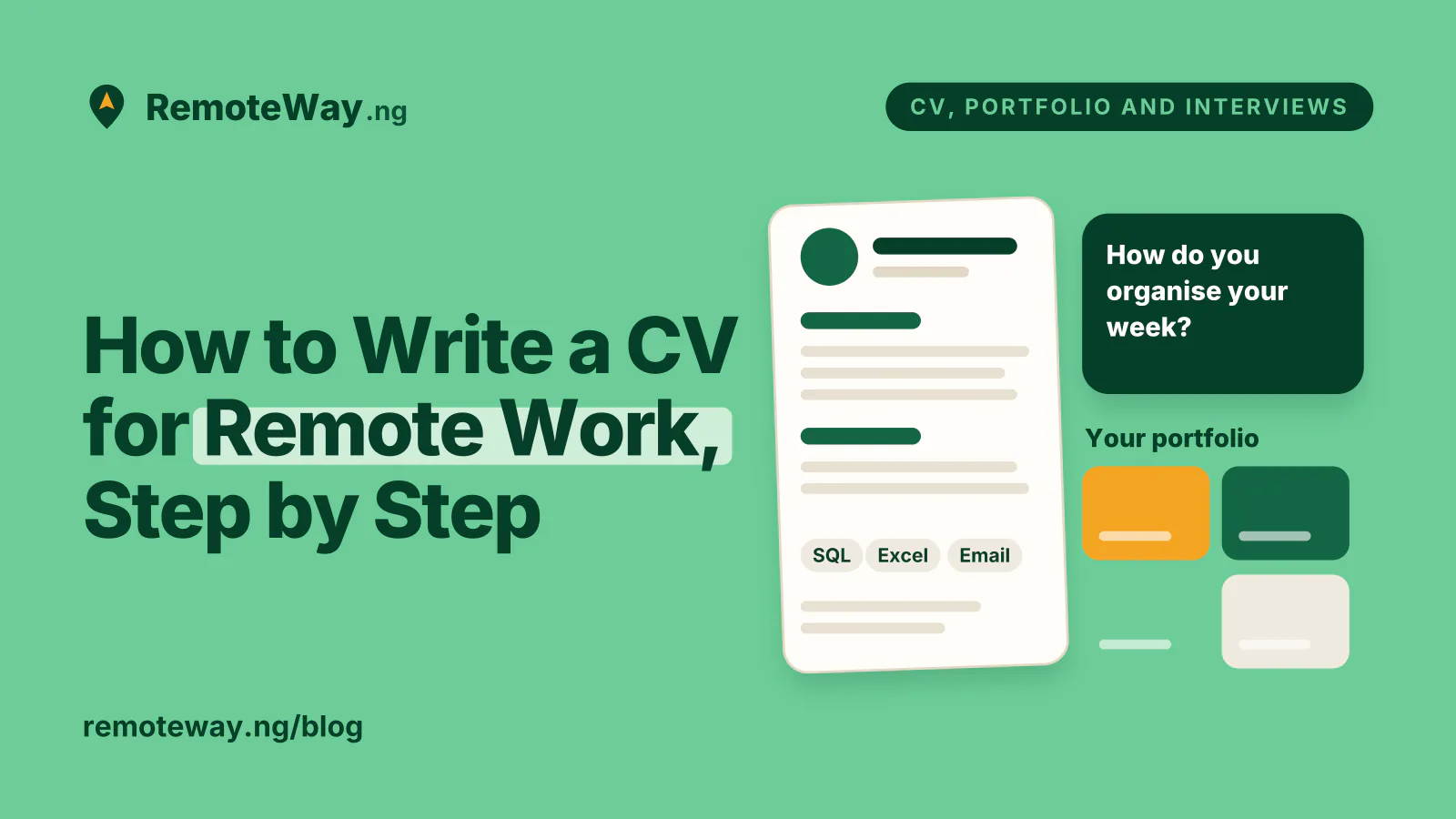
- Name and contact details. A professional email address, a phone number and a link to your work if you have one.
- A short profile. Two or three lines: the skill you offer, the tools you use and the kind of work you want.
- Skills. The tools and abilities that match the role.
- Projects. Practice work you completed, especially if you are new.
- Experience. Jobs, internships, volunteer work or group projects.
- Education and training. Courses and certificates, kept brief.
How do you write each point?
Start every bullet with a strong action verb, then say what you did, how, and what happened. A simple formula is: verb, what you did, the result.
- Weak: "Responsible for emails."
- Better: "Sorted a shared inbox into labels and wrote five reply templates, so common questions could be answered faster."
Use numbers when you honestly have them, such as counts, percentages or time saved. If you do not have exact numbers, describe the outcome plainly. Do not invent figures.
What if you have no work experience?
Everyone starts somewhere. Use what you have.
- Practice projects. A sample weekly calendar, a set of reply templates, a cleaned table, a short article. Say what the task was, the tools you used and what you checked.
- Training. Name the program, the skill and the weeks of study.
- Group or volunteer work. Running a class WhatsApp group, organising an event or keeping records for a club all show real skills.
Use made-up names and data in practice work, never real customers' details. Be honest about what is practice and what was paid work.
How do you tailor it to a role?
Read the job description closely. The words it repeats and the points near the top usually show what matters most. Mirror those words where your experience truly matches, and move your best matching points to the top. A CV that fits the role beats a general one, even if it is shorter.
What should you leave out?
- ID numbers, bank details and your full home address.
- A photo, unless the employer asks.
- Claims you cannot prove.
- Long paragraphs, jargon and spelling errors. Proofread slowly, and ask a friend to read it too. A single typo can cost you a chance.
Be careful when an offer asks for sensitive details before any real hiring step. Read how to spot a fake remote job offer first.
What next?
Write your first version in an hour, then improve it as you finish practice projects. Learn how remote work runs in our plain guide, and choose a skill to practise through the RemoteWay programs, such as Virtual Assistant or Data Analytics. RemoteWay teaches skills and does not promise jobs, but a clear CV and real practice work give you a strong start.
Frequently asked questions
What is the difference between a CV and a resume?
In many places the words are used for the same document. In some settings a resume is a short summary of skills and experience for a specific job, usually one or two pages, while a CV is a longer record that grows over a career, common in academic work. For most remote applications, send one or two clear pages.
How do I write a CV with no work experience?
Lead with a short profile and a skills section, then add practice projects, training you completed and any volunteer or group work. Describe each project with what you did, the tools you used and what you checked. Use made-up or permitted data only. Be honest, because employers often test the skills you list.
How long should a CV be?
Aim for one page, or two at most if you have a lot of relevant experience. Keep a longer master version for your own records and create shorter versions for each role. Use plain headings, readable font size and white space, so a busy reader can see your strengths in under a minute.
What should I leave off my CV?
Leave off anything that is not needed to judge your work: ID numbers, bank details, your full home address and a photo unless the employer asks. Avoid false claims, because they are easy to check. Be careful with offers that ask for sensitive details before any real hiring step has happened.
Sources
Ready to learn this properly?
Creating an account costs nothing. Every program is self-paced, with comprehensive training videos created by top experts in their fields. We teach skills. We don't promise jobs or income.
Keep reading
What Is Remote Work? A Plain Guide for Nigerians
What remote work means, how it differs from hybrid and freelance work, and what you need to start in Nigeria: a plain guide with the words you will meet.
What Is Data Analytics? A Beginner Explanation
What data analytics is, the six steps analysts follow, the tools and skills involved, and how a beginner can practise with a small table and a clear question.
What Does an SDR Do? Sales Development Explained
What a sales development representative does, how SDRs differ from account executives, the daily tasks, and the skills and tools a beginner can practise.