Key takeaways
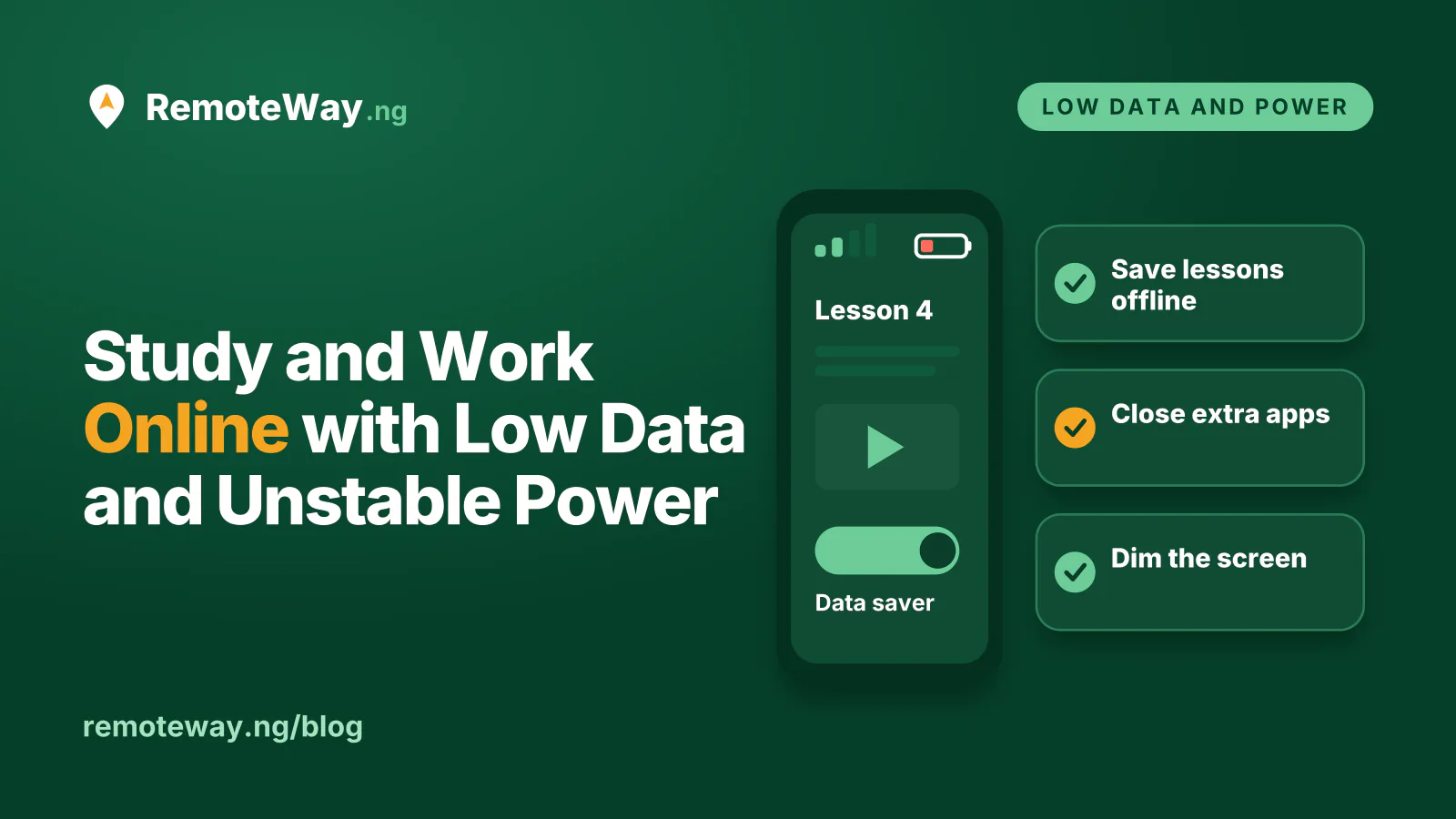
- Use Data Saver on your phone to limit background data.
- Download lessons and files on a strong connection, then use them offline.
- Turn on offline access for Google Docs, Sheets and Slides before you need it.
- Use Battery Saver and keep a charged power bank and cable ready.
- Plan your most important work for the hours your power and network are steadiest.
Limited data and unreliable power are everyday facts for many learners and remote workers in Nigeria. They are not reasons to stop. They are reasons to plan. This guide gives you practical settings and habits that keep you learning and working when the network is thin and the lights go out.
How do you save data when studying online?
Start with the settings on your phone, then change a few habits.
Turn on Data Saver
On Android, Data Saver limits most apps to using background data only on Wi-Fi, which protects your mobile data. On a Pixel phone you open Settings, then Network & internet, then Data Saver, and switch it on. Other phone makers use similar names. If an app you need must keep working in the background, allow it under the unrestricted data list.
Download first, study later
Streaming uses the most data. When you have a strong connection, such as a friend's Wi-Fi, a library or a time when your plan is fresh, download the lessons, notes and files you will need. Then study them offline. Many learning apps and cloud storage apps let you download for offline use.
Change your call habits
- Turn the camera off unless it is needed.
- Join from the phone app only if your laptop connection is weaker.
- Lower video quality when the app offers the option.
- Use text for quick questions instead of a call.
Watch what runs in the background
Close apps you are not using. Pause automatic updates and automatic photo and video downloads. Check your data usage screen once a week to see which apps use the most.
How do you work when there is no internet?
You can keep writing and editing even offline if you prepare.
Google Docs, Sheets and Slides can be used offline. You turn on offline access while connected: open Drive, go to Settings and switch on the offline option. You need Chrome or Edge (not in private browsing), the Google Docs Offline extension, and enough free space on your device. Edits sync when you reconnect.
Test the setup once, before you need it. Open a document with your connection turned off and check that you can edit it.
Other habits help too:
- Keep copies of key documents on your device, not only online.
- Write drafts in a plain notes app when the network drops, then paste later.
- Send important files early in the day, not just before a deadline.
How do you deal with power cuts?
Protect your battery
Battery Saver extends battery life by limiting some features. On a Pixel phone it dims the wallpaper, stops apps refreshing in the background and pauses location when the screen is off. You turn it on from the quick settings tile or set it to start at a chosen battery level.
Prepare a small kit
- A charged power bank and the right cable.
- A fully charged phone as a backup hotspot and device.
- Earphones, so you can join calls quietly without using speaker volume.
- A notebook and pen for planning when screens are off.
Save often
Turn on autosave, and press save yourself during long tasks. Keep a note of what you were doing, so you can resume in a minute after a break.
How do you plan around the network and power?
Learn your own pattern. Notice the hours your power is steadiest and the hours your network is fastest. Put your most important work, such as a lesson, a submission or a client call, in those hours. Save light tasks, such as reading, planning and tidying files, for the unreliable hours.
A weekly plan makes this easier. Our guide to a weekly study plan for busy people shows how to block your time around real life.
What should you tell the people you work with?
Be honest early. If you work with a client or a team, tell them your hours and a backup way to reach you. A short note such as "My power may drop between 2 and 4. I will message by 5 if so" builds trust. Reliability is not about never having problems. It is about communicating before they affect someone else.
If you want a skill you can learn at your own pace, with training videos you can return to, see the RemoteWay programs, such as the Virtual Assistant program. To understand the wider picture, read what remote work is.
Frequently asked questions
How can I save mobile data when I study online?
Turn on Data Saver on your phone, so most apps only use background data on Wi-Fi. Download lessons or files while on a strong connection and use them later. Close apps you are not using, lower video quality when streaming, and turn off the camera on calls unless it is needed.
Can I work on documents without internet?
Yes, if you set it up first. Google Docs, Sheets and Slides can be used offline in Chrome or Edge once you switch on offline access while connected, which also needs the Docs Offline extension and enough free storage. Changes sync when you reconnect. Test it once before you rely on it.
What should I do when the power goes off during a task?
Keep your work saved often, use offline mode, and keep a charged power bank. Switch to your phone if your laptop dies, and move to lighter tasks such as reading or planning. Tell the person you work with early if you may be late, so they can adjust and trust you.
Sources
Ready to learn this properly?
Creating an account costs nothing. Every program is self-paced, with comprehensive training videos created by top experts in their fields. We teach skills. We don't promise jobs or income.
Keep reading
What Is Remote Work? A Plain Guide for Nigerians
What remote work means, how it differs from hybrid and freelance work, and what you need to start in Nigeria: a plain guide with the words you will meet.
The Tools Remote Teams Use Every Day
A beginner guide to the tools remote teams use daily: chat, video calls, calendars, shared documents and task boards, and how to learn them with practice.
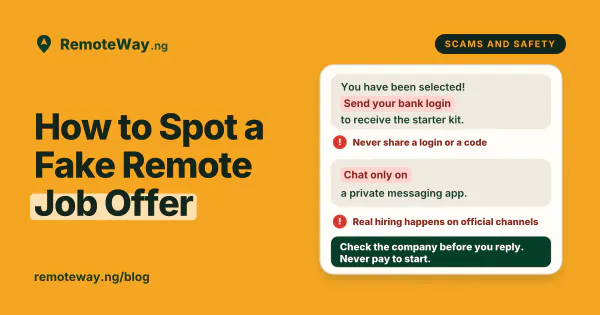
How to Spot a Fake Remote Job Offer
Learn the warning signs of a fake remote job offer, the checks to run before you reply, and what to do if you have already paid or shared your details.