Key takeaways
- Plan around two or three themes so your page has a clear voice.
- Choose a number of posts you can keep, not the largest number.
- Batch your writing and design in one session, then schedule.
- Leave room for live posts and replies.
- Review reach and replies each week, and adjust the calendar.
Posting when you feel like it makes a page look random and makes the work tiring. Planning a week at a time makes it calmer and more consistent. This guide gives you a simple method you can repeat each week, whether you manage your own page or one for a client.
Why plan your posts in advance?
Scheduling and planning offer several benefits. You can batch your content work instead of writing something new every day. A steady rhythm lets your audience know when to expect you. You can plan around events and promotions. Scheduled posts can also go out when followers in other time zones are online. And a plan that covers a week or a month lets you tell a connected story instead of random updates.
How do you plan the week, step by step?
Step 1: Choose two or three themes
Themes give your page a voice. A small bakery might use "behind the scenes", "tips" and "customer questions". A training page might use "lesson of the week", "study tip" and "common mistake". Themes also stop you running out of ideas.
Step 2: Choose your number of posts
Pick a number you can keep. If resources are tight, one or two posts a day is a reasonable starting point for a Facebook page, and fewer is acceptable. Consistency matters more than volume.
Step 3: Set your times
Start with general advice about when people are online, then check your own page analytics to see when your audience is active. Your own data beats general rules.
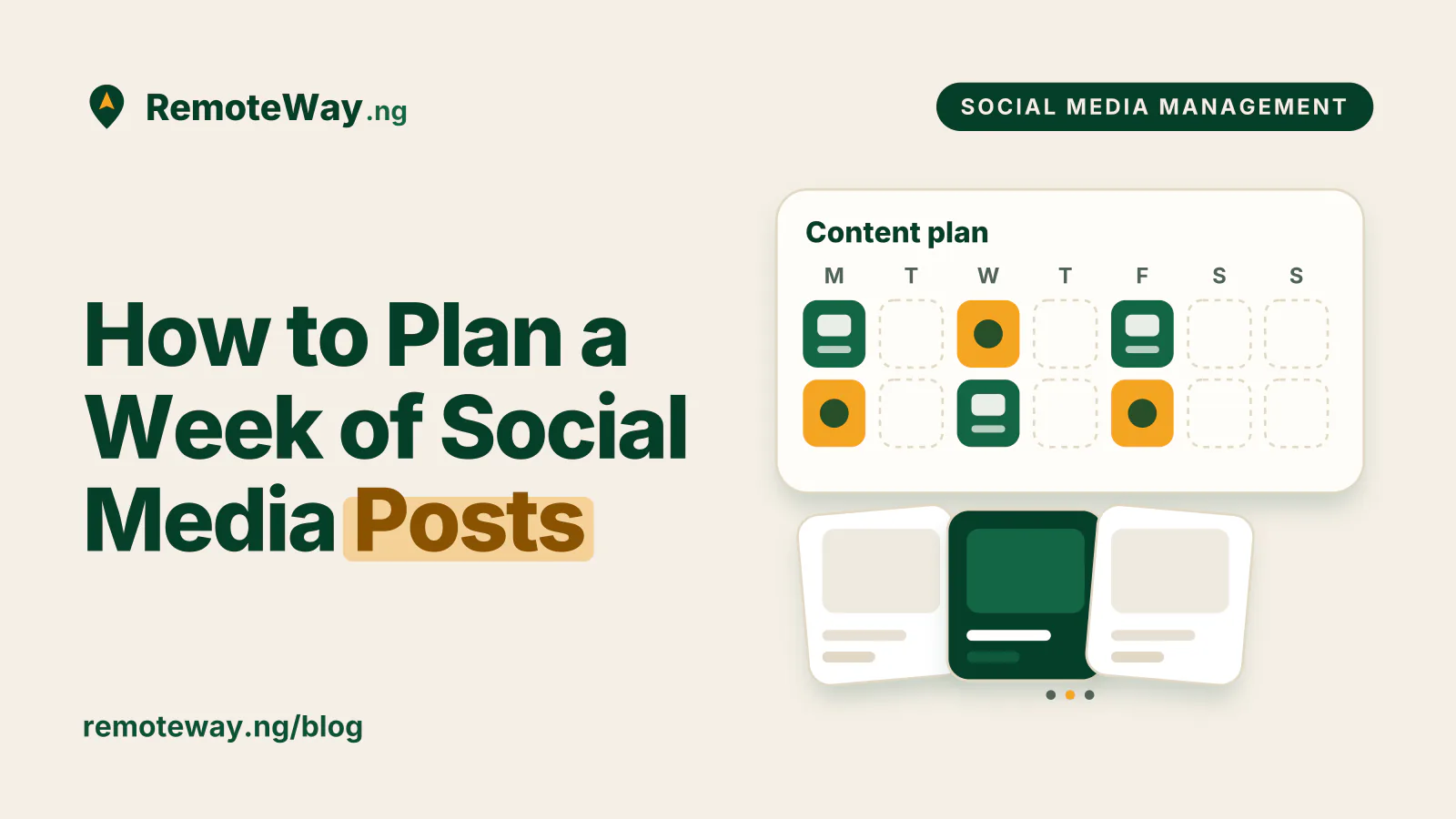
Step 4: Fill a content calendar
A content calendar is a simple table. Use these columns:
| Date | Platform | Theme | Caption | Image or video | Status |
|---|---|---|---|---|---|
| Monday | Page | Tip | Draft written | Needs image | Draft |
| Wednesday | Page | Behind the scenes | Ready | Ready | Scheduled |
| Friday | Page | Customer question | Draft written | Ready | Review |
Sort items into two groups: time-sensitive posts that need a specific date and time, and evergreen posts, such as tips, that can fill gaps.
Step 5: Batch your work
Write all captions in one session, then prepare all images in another. Use the same colours, fonts and voice every time so the page looks consistent. Batching saves hours compared with creating one post at a time.
Step 6: Schedule, but leave space
Use the platform's scheduling tool, such as the free planner in Meta Business Suite, to queue posts ahead. Some post types, such as events, cannot be scheduled, and the number of days you can schedule ahead is limited, so check the current rules. Leave room in the week for live posts and replies, and avoid overlapping a live update with a scheduled one.
Step 7: Share and approve
If you work for a client, share the calendar so they can review and approve before anything goes out. This prevents mistakes and builds trust.
Step 8: Review each week
At the end of the week, look at which posts got the most reach and replies, and which got none. Change next week's calendar based on that. Delete or pause scheduled posts that no longer fit the mood of the day, especially during a crisis or sad news.
What should you reply to?
Planning is not only publishing. Set aside two short slots a day to read comments and messages. Reply politely and quickly, and pass complaints to the right person. A calm reply to an upset follower follows the same steps as in our guide to replying to an upset customer.
How can you practise?
Build a made-up page for a pretend business and plan its week. Use a spreadsheet as the calendar. Write seven captions, choose images, mark times and write a short summary of what you would review on Sunday. Keep it as a sample for your CV.
For writing the captions, see content writing vs copywriting. To learn social media management in order, with practice and feedback, see the RemoteWay Social Media Management program. We teach skills and do not promise jobs or income.
Frequently asked questions
How many posts should I plan each week?
Plan the number you can keep up with consistently. For a small page, one or two posts a day is a reasonable starting point, and fewer is fine if resources are tight. A steady rhythm that your audience can expect beats bursts followed by silence. Adjust after you see how people respond.
What is a content calendar?
A content calendar is a simple plan that shows what you will post, where, and when. It can be a spreadsheet or a shared document with columns for the date, platform, theme, caption, image and status. It helps you plan ahead, avoid gaps, share work with others and review what you published.
Can I schedule posts in advance?
Yes. Many platforms and tools let you schedule posts, which helps you batch your work and reach followers in other time zones. Check each platform's current limits and which post types cannot be scheduled. Keep space in your plan for live updates, and check your queue regularly in case news or events change.
Sources
Ready to learn this properly?
Creating an account costs nothing. Every program is self-paced, with comprehensive training videos created by top experts in their fields. We teach skills. We don't promise jobs or income.
Keep reading
How to Write an Email People Open and Read
How to write emails people open and read: clear subject lines, a short first line, one clear ask, and the basic sender rules that keep your emails out of spam.
Content Writing vs Copywriting: What Is the Difference?
Content writing informs and builds trust over time; copywriting persuades readers to act now. Learn the difference, the formats of each and how to practise.
What Is Data Analytics? A Beginner Explanation
What data analytics is, the six steps analysts follow, the tools and skills involved, and how a beginner can practise with a small table and a clear question.