Key takeaways
- Keep subject lines short and clear, around 40 characters or fewer.
- Write one idea per email with one clear action.
- Avoid all capitals, many exclamation marks and spammy wording.
- Test two versions of a subject line and learn from your own results.
- Follow sender rules: authenticate your domain and make unsubscribing easy.
A good email gets opened, read and acted on. A poor one is ignored or lands in spam. The difference is usually not talent. It is a few habits you can learn: a clear subject line, one idea, one action, and respect for the rules email providers use. This guide covers each.
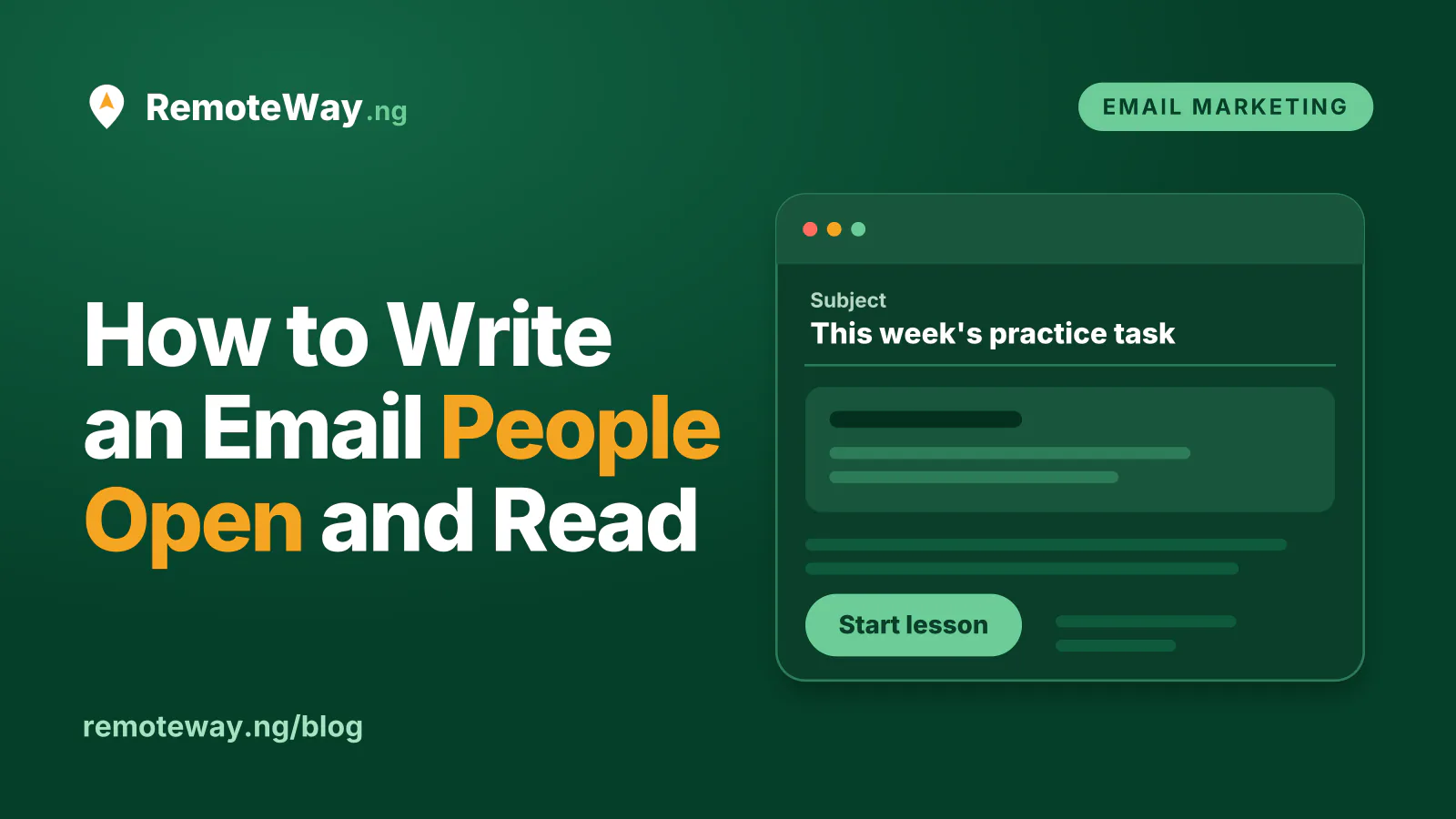
How do you write a subject line people open?
The subject line decides whether anyone sees the rest. Guides from email platforms agree on a few things:
- Keep it short. Around 40 characters or fewer so the whole line shows on a phone.
- Be clear first. Say what is inside. A clear line beats a clever one.
- Use a question or a date when it fits. An open question can spark curiosity, and a real deadline or event date can create urgency.
- Use urgency words only for real urgency. If everything is "urgent", nothing is.
- Use the reader's name carefully. First-name personalisation often works, but it can hurt in some audiences, so test it.
- Avoid spam triggers. All capital letters, promotional wording and many exclamation marks make filters and readers suspicious.
Then proofread. A typo in a subject line looks careless.
Examples
| Weak | Better |
|---|---|
| "NEWS!!!" | "Your lesson plan for next week" |
| "Don't miss out" | "Class starts Monday at 7 pm" |
| "Hello" | "Ada, a quick question about your order" |
What should the email itself say?
- A short first line. Say why you are writing and why it matters to the reader.
- One idea. If you have three topics, send three emails or put the main one first.
- Short paragraphs. Two or three lines each, with space between.
- One clear action. Tell the reader exactly what to do next, in plain words: "Reply with a time that works", "Open lesson 3".
- A polite close with your name and how to reach you.
Read your email aloud. Cut any sentence that does not help the reader act.
How do you keep emails out of the spam folder?
Email providers have rules for senders. Google's published guidelines for sending to Gmail addresses, for example, say all senders must set up authentication for their domain. Larger senders, those sending more than 5,000 messages a day to Gmail addresses, must meet stricter rules, including one-click unsubscribe and a visible unsubscribe link in marketing and subscribed emails. Google also expects the share of recipients who mark your emails as spam to stay very low.
You do not need to know the technical details at first, but you should know what they mean:
- Send from an address on a domain you control and follow your email provider's set-up steps.
- Always include an easy way to unsubscribe.
- Send only to people who agreed to hear from you.
- Send relevant messages, not bulk blasts.
- Check each provider's current rules, because they change.
How do you test and improve?
Send two subject lines to small groups, and compare results. Change one thing at a time. Review your own numbers, such as opens and replies, rather than copying general advice. Keep a note of what worked, so you build your own rules over time.
How can you practise?
Write a three-email sequence for a made-up training class: a welcome, a reminder and a follow-up. For each, write two subject lines, a first line, one action and a polite close. Test them on a friend: can they say in five seconds what each email wants?
If you write email for a business, you are doing a kind of copywriting. See content writing vs copywriting for the difference. Social posts follow similar planning habits, covered in how to plan a week of social media posts.
Where can you learn it properly?
RemoteWay's Email Marketing program is self-paced, with comprehensive training videos created by top experts in their fields. It teaches email in order, with practice tasks and feedback. We teach skills and do not promise jobs or income.
Frequently asked questions
How long should an email subject line be?
Keep it short enough to show fully on a phone, around 40 characters or fewer is a common guide. Make it clear before clever. A direct subject that says what is inside usually beats a vague teaser. Test two versions and look at your own results, because audiences differ.
How do I stop my emails going to spam?
Send from a domain you control and set it up with the proper authentication your email provider describes. Make unsubscribing easy, avoid all capitals and many exclamation marks, and do not send to people who have not agreed. Keep complaint rates low by sending relevant, expected messages.
What is one clear action in an email?
It is the single thing you want the reader to do after reading, such as reply with a time, open a lesson or confirm a date. Put it in plain words, ideally once near the end and once as a button or link. Emails that ask for many things often get none done.
Sources
Ready to learn this properly?
Creating an account costs nothing. Every program is self-paced, with comprehensive training videos created by top experts in their fields. We teach skills. We don't promise jobs or income.
Keep reading
Content Writing vs Copywriting: What Is the Difference?
Content writing informs and builds trust over time; copywriting persuades readers to act now. Learn the difference, the formats of each and how to practise.
How to Plan a Week of Social Media Posts
A simple method to plan a week of social media posts: pick themes, batch your content, schedule it, leave room for live updates and review what worked.
How to Write a Calm Reply to an Upset Customer
A calm five-step method for replying to an upset customer in chat or email: listen, acknowledge, apologise, solve and follow up, with example wording.